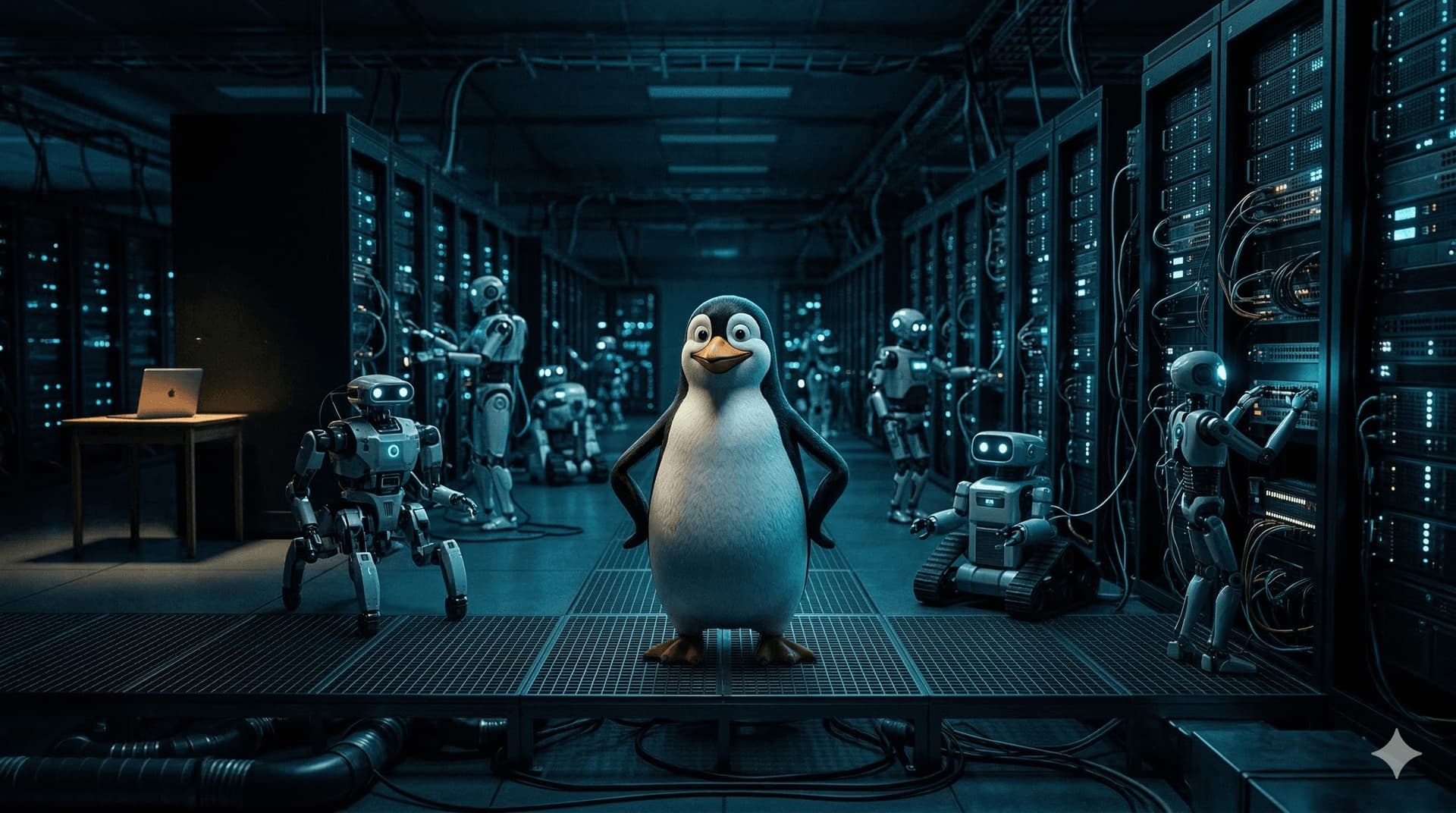

I've been writing about the cost, power structure, legal boundaries, and device form factors of edge AI. In this post, I'll take the next step from the software side: what operating system should the box running an Agent use?
The answer isn't Mac, isn't Windows—it's Linux.
Someone Turned Off the Machine
A few days ago, a user came to me saying his AI wasn't responding. After troubleshooting for a while, I found out he had accidentally turned off the machine.
I thought about this for a long time afterward. The problem isn't the user—it's the form factor.
When you build a machine that runs an Agent to look like a laptop, people will operate it with laptop logic—turn it on when needed, turn it off when done, close the lid to put it to sleep. An Agent needs to be online 24/7. Once it shuts down, everything drops: tasks are interrupted, context is lost.
This isn't just a user habit issue; it's a design philosophy issue. A Mac is a computer built for humans; Linux is built for servers that run continuously. An Agent is fundamentally a server, not an application.
Everything Is a File, Everything Is a Command
The core philosophy of Linux is: everything is a file. Disks, network interfaces, processes, keyboard input—all are files. Read, write, copy, redirect: one unified logic applies to everything.
What does an Agent need? Read and write files, control processes, connect to networks, run scheduled tasks. In Linux, these are all command-line affairs—no GUI, no pop-ups.
Ask an Agent to organize your files, and on Linux it's just a shell script, done in seconds. On a Mac, it has to request file access permissions first, popping up a dialog waiting for your confirmation. If you're not around, the workflow deadlocks.
An Agent's mode of operation is inherently imperative—and that's exactly how Linux is designed.
Mac's Permission Model Is Designed for Humans
Apple has invested heavily in system security, and everyday users genuinely benefit. SIP, sandboxing, TCC—the logic behind all of it is the same: operations require human confirmation.
This was correct in the era of human-computer interaction. You open an app; the app wants to read your contacts; a dialog pops up; you decide. Reasonable.
But that's not how Agents work. You give it a task; it plans and executes on its own. Not disturbing you is its core value. If every step—reading files, managing processes, controlling the browser, accessing the network—pops up a dialog waiting for confirmation, the Agent is effectively crippled.
You can open permissions one by one, but that's not enough. Mac's sandbox is app-level; an Agent needs system-level access. What's worse, the permission model is static—if you didn't enable something in advance, you only find out what's missing when it's needed.
Linux doesn't have this. Or rather, Linux leaves these decisions to you—root is root. You decide what holes to open, and once they're open, they stay open. That's dangerous for humans, but perfect for Agents.
The Place You SSH Into
When engineers need to do something complex on a remote server, what do they use after they SSH in?
Linux commands. grep, awk, ps, cron, systemd. No one opens a GUI file manager on a server, and no one clicks an "Allow Access" pop-up.
This isn't habit; it's efficiency. This toolchain was built for programs to control programs. When Agents arrived, we just kept using it—nothing needs to change. If you insist on running it on a Mac, you're deliberately adding friction.
Stability Is the Prerequisite
How often do you reboot your home router?
Probably only when something goes wrong. Normally, you never think about it; it just runs in the corner.
An Agent device should be exactly like that. Install it, configure it, push it into a corner, then forget about it. No crashes, no regular maintenance, no system updates that happen to kill all your processes.
Linux servers can run for years without a reboot. A macOS upgrade can leave previous configurations in disarray. Windows needs no mention.
This isn't a question of system quality; it's a question of design intent. You can't take a consumer OS built for humans, use it for infrastructure, and then complain that it doesn't run smoothly.
Form Follows OS
What should an edge AI device look like?
A small server. ARM core, low power consumption, silent cooling, no screen, no keyboard. Running Linux, with systemd managing processes, cron for scheduling, SSH for configuration, and Docker for isolation.
This form factor is naturally suited for 24/7 operation. You won't think about turning it off—there's no lid to close, no power button sitting there to remind you.
That previous post on device form factors said this thing should be as boring as a router. What do routers run? Linux. That's no coincidence.
The Machine an Agent Needs
Once you think it through, the requirements for the machine are clear: unobstructed system access, no reboots for months, no waiting for human confirmation, a CLI toolchain that works out of the box, and process management and scheduled tasks that are native to the system.
It's just a small Linux server, tossed in a corner, online 24/7, quietly working for you. And what an Agent can do on this machine goes far beyond what you'd imagine—a coding agent is essentially a meta-ability, letting you truly take control of your own computer with an extremely low barrier to entry.