
I previously wrote three posts about edge AI, covering cost, power structures, and legal boundaries. All of them addressed "why edge AI makes sense." This post takes the next step: what should this device actually look like.
Large Models Don't Run Well on the Edge
We've tested plenty of boxes. AMD's, our own—the conclusion is always the same: large language models just don't work. It's not one particular product; these devices all hit the same wall. Prefill performance can't keep up, and decode is barely passable.
Some devices pack an NPU with a scary-sounding 50 TOPS on the spec sheet, but it can't actually pipeline with the GPU and CPU. After all that effort, you realize it's useless. Chip vendors naturally prioritize their latest generation—after all, they're competing with NVIDIA—and what's deployed at the edge is always one generation behind, with weaker optimization and a lagging ecosystem.
The supply chain is even worse. Decent memory might cost 10k in January, jump to 20k in February, and still be out of stock. You can't solve this by throwing hardware at it.
What's Actually Blocking Users Isn't Compute
Install an agent platform and it immediately starts asking you to link external services. Need memory? Link to an OpenAI embedding API. Need voice? Link to ElevenLabs. Images? Go to Google. Slides? Hook up an MCP. Each one requires separate registration and separate billing. For users in China it's even worse—Kimi might not even offer an embedding API, so you end up scrambling for alternative accounts to fill the gaps.
Skip one service, and the agent gets noticeably weaker.
These auxiliary capabilities—embedding, TTS, ASR, OCR, visual understanding—are each small and not compute-hungry. But together they determine whether an agent is actually usable. Edge devices can't beat the cloud on large models, but these small models? They run just fine.
Don't Let the NPU Go to Waste
50 TOPS of NPU can't string together a large model? Then stuff an OCR model in there, or run a VLM for vision tasks. I'm not sure what's optimal yet—it depends on the specific chip architecture—but NPUs were literally designed for CV scenarios, so vision tasks are likely to fit well.
Run TTS and embedding on the GPU. Neither model is large—embeddings are a few hundred megabytes, audio models one or two gigabytes.
I actually tested this on an AMD box: running Alibaba's TTS model purely on the CPU—a tiny thing with just over 100 million parameters—took more than twenty seconds to synthesize a short sentence. No acceleration engine, vLLM doesn't support it, so you have to fall back to raw transformers inference. Moving it to the GPU is a completely different experience. ASR, on the other hand, runs fine on the CPU. So: GPU handles synthesis, CPU handles recognition, NPU handles vision.
With this setup, embedding, TTS, ASR, OCR, and VLM all run locally on one device. Users don't need to link any external accounts; the agent's auxiliary capabilities are just there.
Make It a Router
A user once came to me saying he accidentally shut down his computer, and his AI stopped responding. It was hilarious—some e-commerce guy actually came over to ask about it.
But think about it: it's not the user's fault. Make it look like a computer, and people will shut it down. Laptops are meant to be carried around and closed when you're done. But an agent needs to run 24/7; shut it down and the continuity breaks.
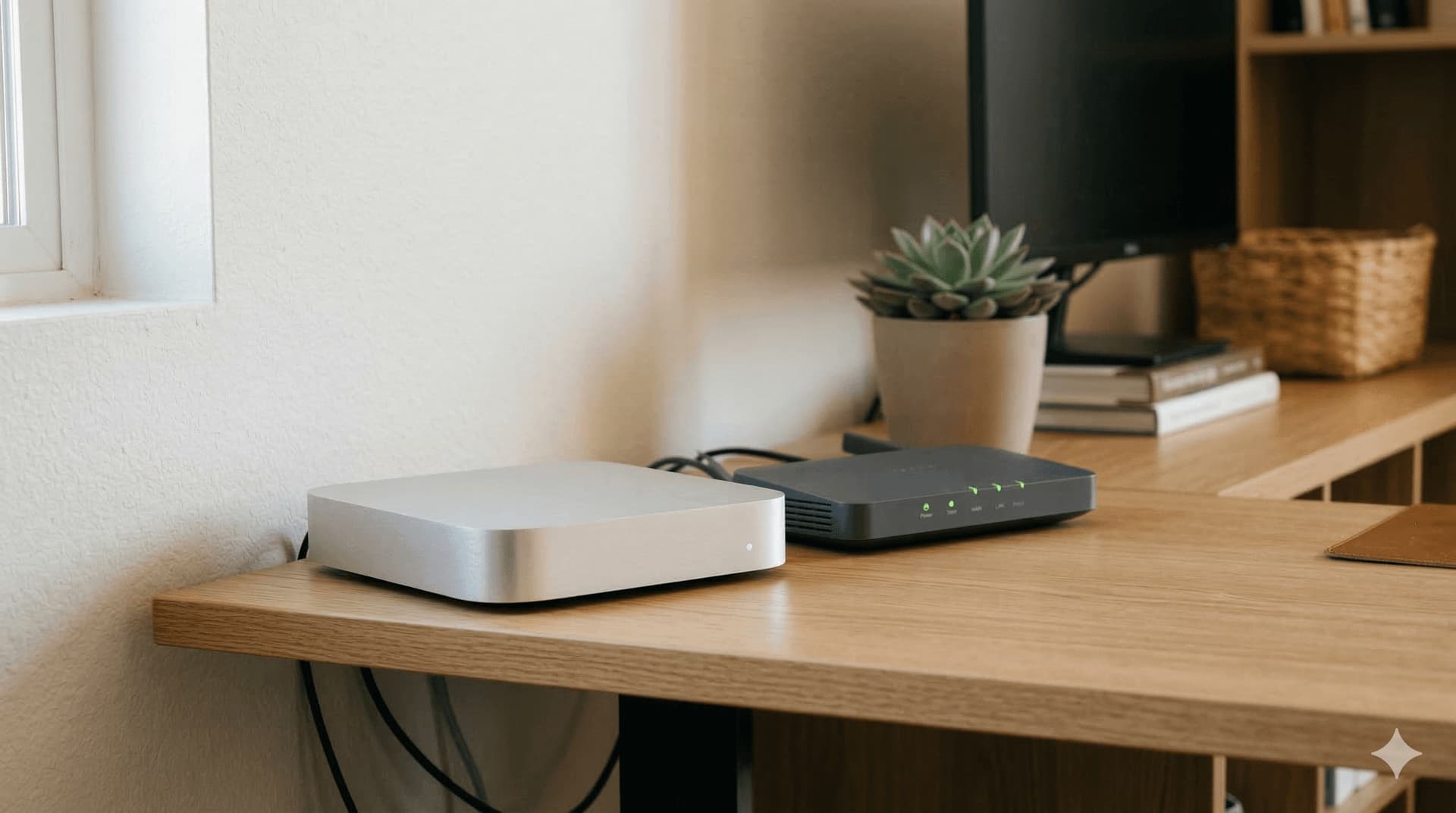
I eventually decided this thing shouldn't look like a computer at all—it should look like a router. When's the last time you rebooted your home router? It just sits in a corner, quietly running, and you never think about it. Get the thermals right, keep the noise down, manage the power draw, and just leave it there.
A Mac mini on steroids. 16 GB of memory is enough; we once planned a 64 GB config and later realized it was unnecessary. 16 GB of unified memory is more than enough for auxiliary models, and with the GPU and NPU each pulling their weight, feeding these small models is no problem.
Why Enterprises Would Buy a Fleet of Them
When enterprises want to deploy digital workers, data isolation is the biggest headache.
Cram all digital workers onto one server and separate them with Docker? Agents have too much privilege—give them permissions and they can break out. You can try all sorts of containment tricks, but if the agent is smart enough, containers won't hold it. I've been thinking about this for a while: isolating everything on a single machine makes the architecture incredibly complex.
The dumbest and most effective solution is physical isolation. One box, one digital worker. The PM's box only has product data and can't touch finance. The finance box can't touch the code repo. Once they're physically separated, you don't have to worry about privilege escalation at all.
I already know people doing this: four Mac minis plus four cloud models, eight digital workers each minding their own business. So an enterprise might not buy one unit, but a fleet. Each one only needs to be powerful enough to run auxiliary models; what matters is quantity, not how beefy a single machine is. And what OS should run on this kind of device? Linux is the native OS of the agent era—always online, no pop-ups, no waiting for human confirmation clicks.
About Camera Data
Plenty of homes have security cameras, but have you actually gone back to review the footage? Probably not. Uploading it to the cloud for analysis is expensive and raises privacy concerns; leaving it local just lets it pile up unused.
I've always thought this is the classic use case for local vision models. The box is idle at night anyway—let it scan through the day's camera footage, flag anomalies, and deliver a summary the next morning. No rush, it can churn slowly. No cloud API calls, no per-token charges, and the data never leaves the house.
Enterprise campuses face the same problem: massive amounts of sensitive video data. Give it time to process—it doesn't need to be real-time—but it needs to be cheap, and the data must stay put. Handing this scenario to the cloud just doesn't make economic sense.
This Direction Can Work
In short: don't pit edge devices against the cloud on large models. Run auxiliary models—embedding, TTS, ASR, OCR, VLM—and put the GPU, NPU, and CPU all to work. Make it router-shaped, always online, 16 GB of RAM. One for individuals, a fleet for enterprises, physically isolated.
The previous three posts explained why it's worth doing; this one explains what it should actually be. I'm increasingly convinced the direction is right. What remains is who builds the product first and who can make it cheap.